

Where Desk opens
The same Desk panel appears in four places, so you can ask without leaving what you are looking at.
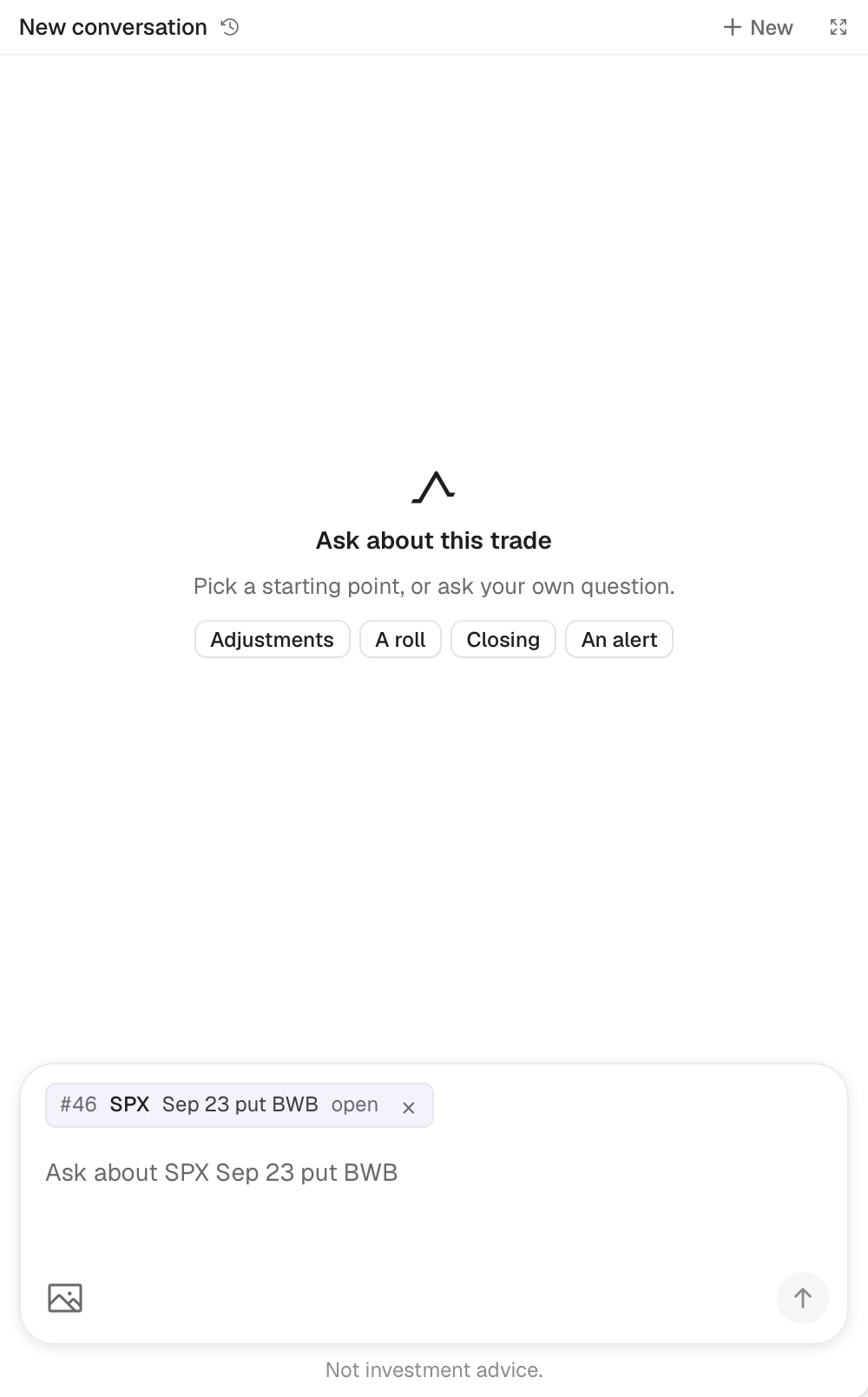
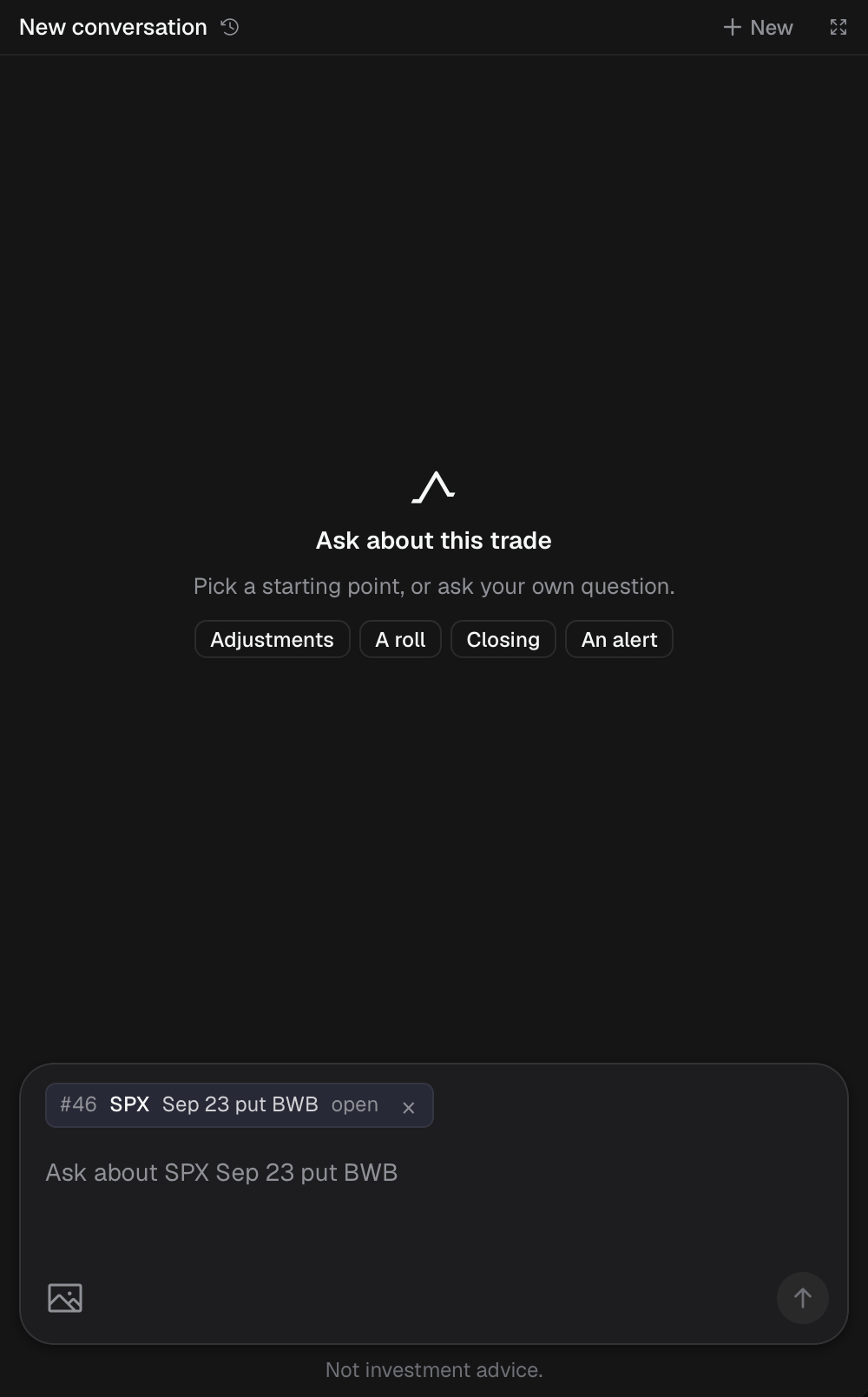
Desk in the trade drawer, about the Sep 23 put BWB.
- 1 New conversation, whole window
- 2 Starting questions
- 3 Ask about this trade
- 4 Attach an image
- Trades: the trade drawer’s Desk tab, about the trade on screen.
- Workspaces: the right rail’s Desk tab.
- Briefing: the Desk column beside the calendar and news. The caret in its header (Hide Desk) folds it to a strip.
- The whole window: the Desk button (speech-bubble icon beside the gear), ⌘5 (Ctrl5 on Windows), or the expand button in the panel header. A list of conversations sits on the left, with search and All, Trades and General. Close it the same way, with Esc, the Back button, or by picking a view in the title bar.
First use
Section titled “First use”Desk shows “Before you use Desk” until you click I understand. You answer once per account. Desk needs you to be signed in; see Desk says to sign in.