

Read a trade's record
Click a row in the Journal to expand it and check what was really filled.
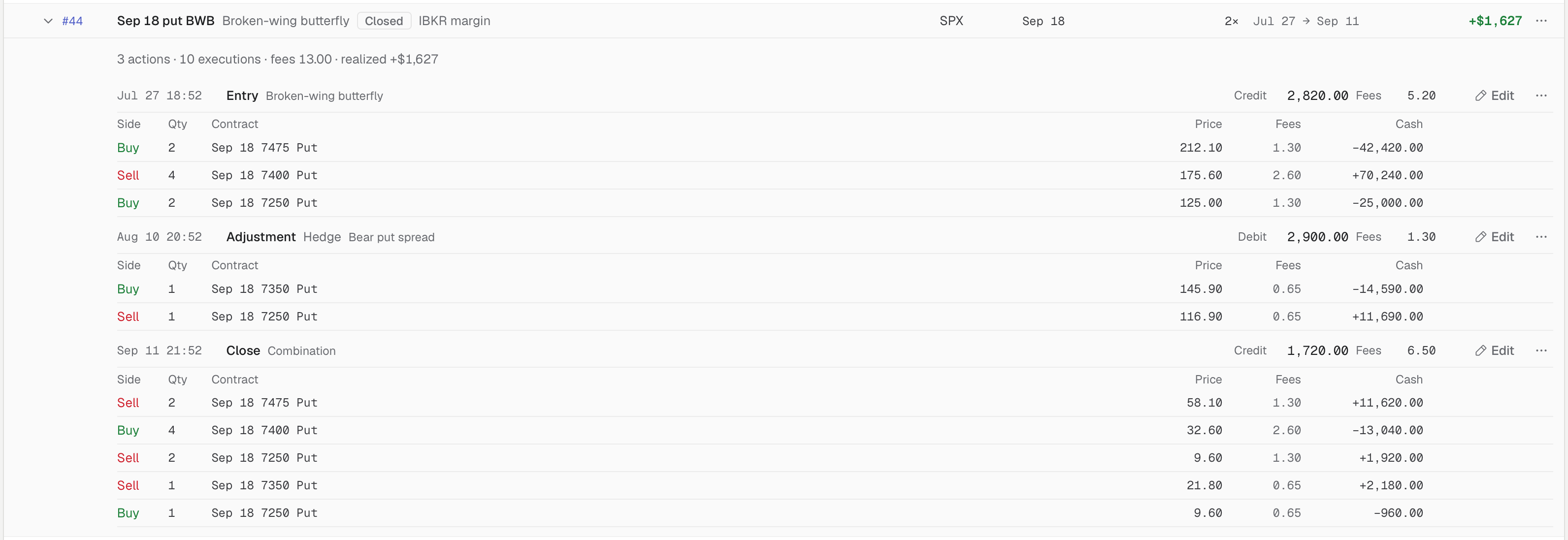
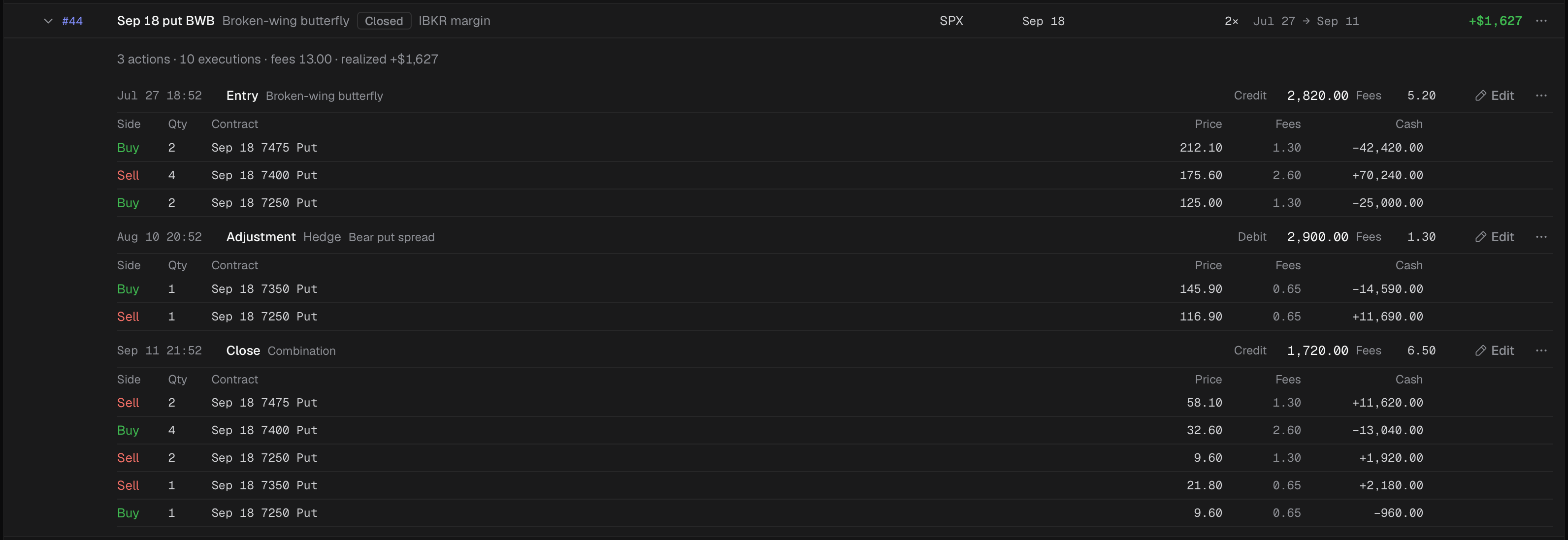
The record of the closed Sep 18 put BWB: entry, a hedge, and the close.
- 1 Click to expand
- 2 Actions, executions, fees, realized
- 3 One action: time, kind, source, cash
- 4 Edit this action
- 5 More for this trade
- The record’s first line gives the number of actions and executions, the fees, and the realized P&L.
- Below it, each action shows its time, its kind (Entry, Adjustment, Close) and where it came from, as a badge: “sent to IB”, “IB import”, “IB fill”, “ONE import”, “thinkorswim paste” or “settlement”.
- Each action also shows its Debit or Credit and its Fees, then one line per contract: Side, Qty, Contract, Price, Fees and Cash.
- A contract filled in several executions has an “N executions” button that lists each one.
- An action’s note appears under its lines.
The ⋯ menu on a trade’s row has Open in Trades, which jumps to the trade’s page, and Add a combo to this trade for an open trade (Add fills by hand).
To correct anything you see here, see Edit an action or fill.