

Read the Pos column
Pos is your net position in the trade chosen above the chain: +N long in green, -N short in red. It lets you see what you hold next to the live bid and ask.
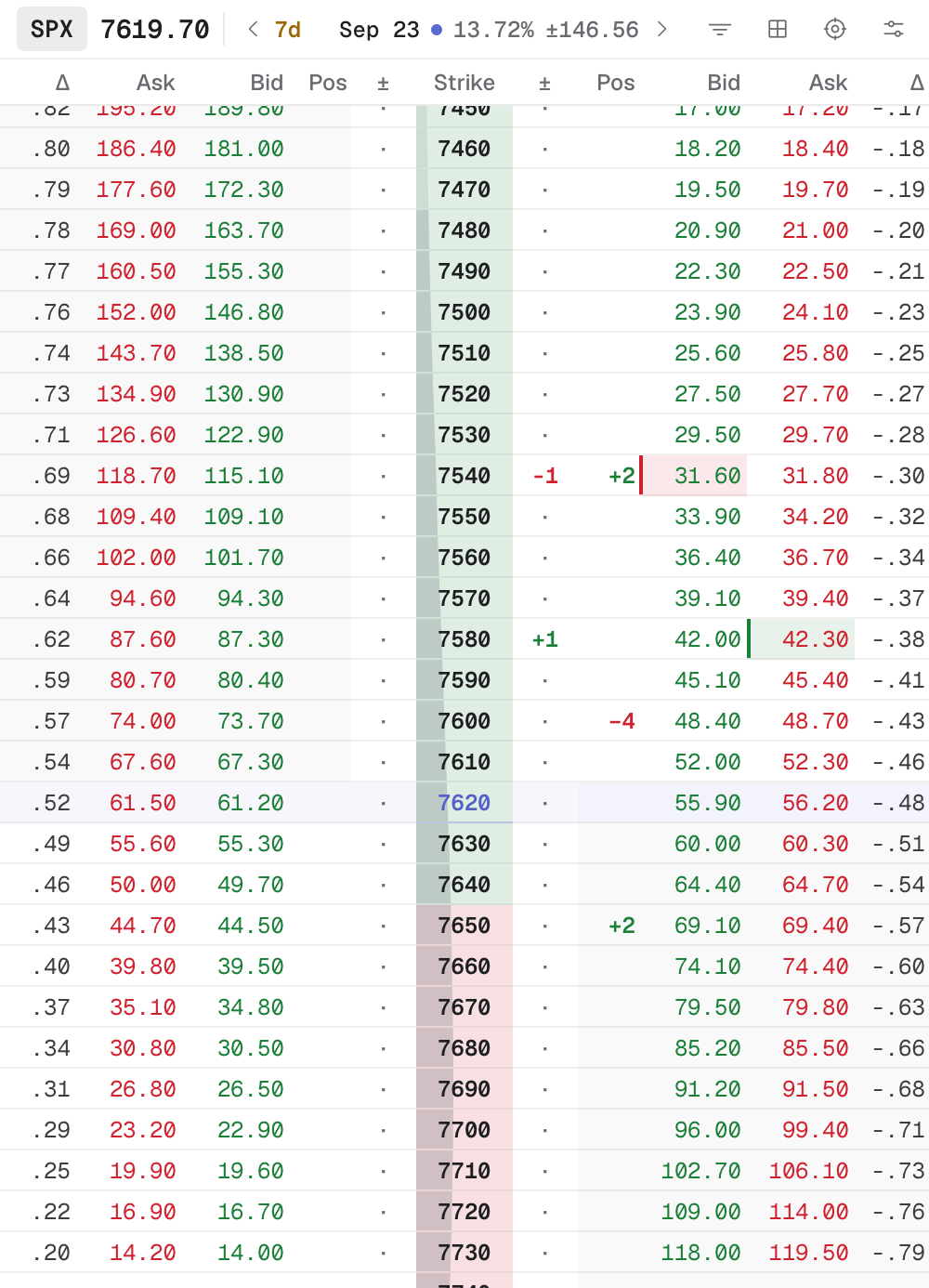
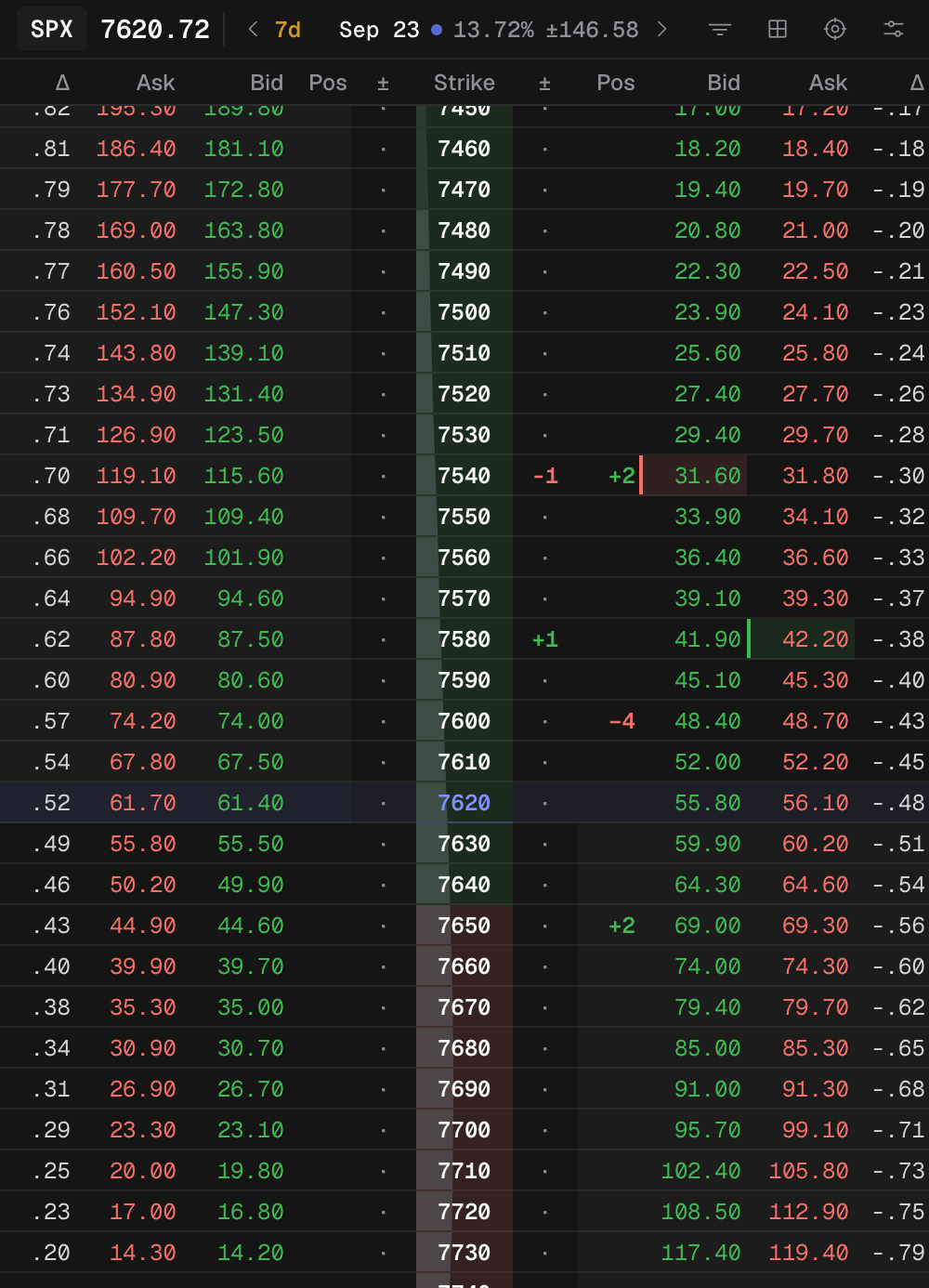
- 1 Pos: +long, −short
- 2 Click the bid to sell
- 3 Click the ask to buy
On a trade page the trade is already chosen. In a workspace, the Account and Trade pickers list that account’s open trades on the chain’s symbol. Tented preselects your first account (by name) and its newest open trade on the symbol; choose New in the Trade picker to detach and look at the chain without a position.
Three buttons sit in the workspace toolbar only:
- Pos (tip: “Underlying position”) models shares or futures contracts with an average price.
- × clears all modeled legs.
- Close position (enabled for an open trade with legs) loads the reverse of its legs so Commit closes it.
If Pos is empty though you hold the legs, see Pos is empty though I hold the legs.