

The Journal
When a trade is done you want to know exactly what you did: which fills, at what prices, with what fees, and what it cost or paid in cash. The Journal keeps that record for every trade you committed, imported or recorded, open or closed, in all your accounts.
The Fills tab lists your trades. Each trade is made of actions (an Entry, any Adjustments, a Close), and each action is made of fills, the individual buys and sells. You can read them, correct them, add what is missing and delete what is wrong. Drafts are not in the Journal: only trades with a record are.
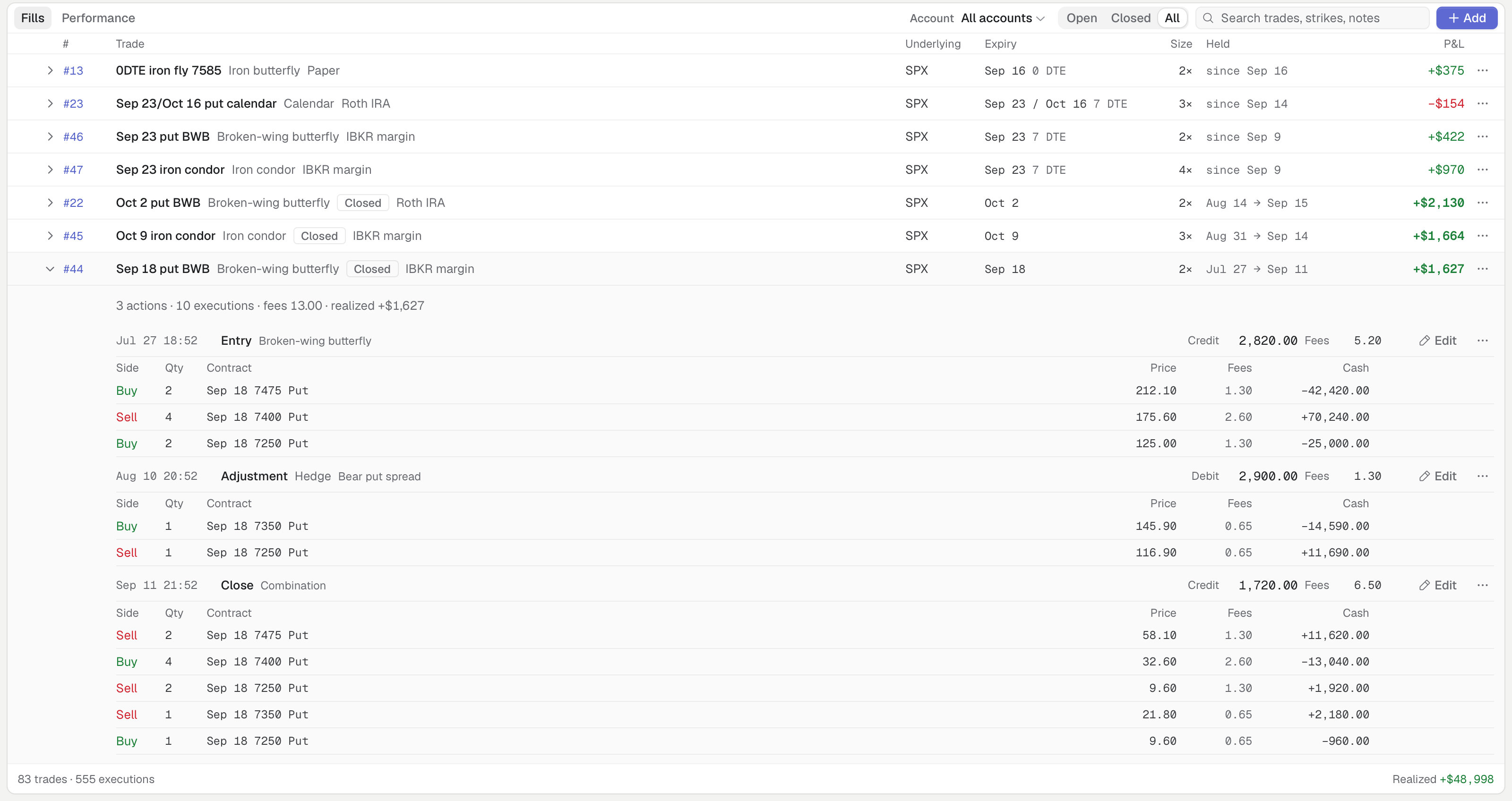
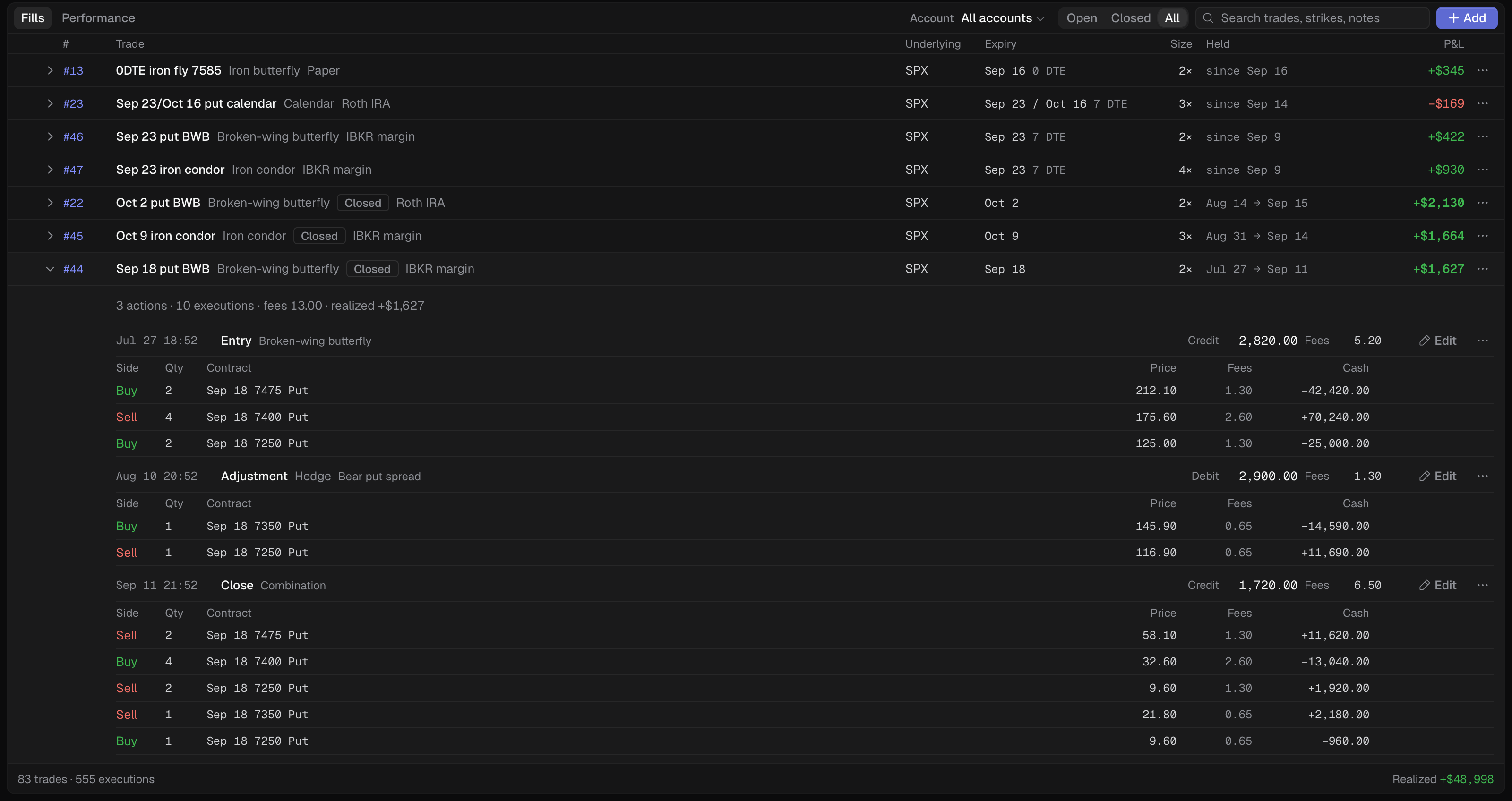
Fills tab with every trade listed. The closed Sep 18 put BWB is expanded.
- 1 Account filter
- 2 Open, Closed, All
- 3 Search
- 4 Add fills
- 5 Realized P&L
- 6 Counts and Realized
What traders do with it
Section titled “What traders do with it”- Check a fill against your broker statement. Expand a trade and compare each fill’s price, quantity and fees with what IB reported.
- Fix a price or a fee that a manual or imported fill got wrong, so Performance counts the right P&L.
- Write down why. Put a note on the Adjustment you made when SPX broke your short strike, and read it when you review the trade months later.
- Close out an expired trade. Settle the legs that expired so the trade becomes Closed and its P&L is realized.
- Clean up after a bad import. Tick the trades that should not be there and delete them in one step.
Articles
Section titled “Articles”- Find a trade in the Journal: open the view, filter and read the columns.
- Read a trade’s record: actions, fills and where each came from.
- Edit an action or fill: correct a price, quantity, fee or time.
- Notes on an action: where each note lives.
- Add fills by hand: record a combo when you know only the total.
- Delete actions and trades
- Settle expired legs
- The footer totals
To bring in history, see Import trades.